
Personal health intelligence
Your daily habits. A clearer picture of you.
What you eat, how you sleep, when you move, and how you feel are all part of your story. Plectara brings those everyday details together, helping you recognize patterns and take practical steps toward a healthier life.
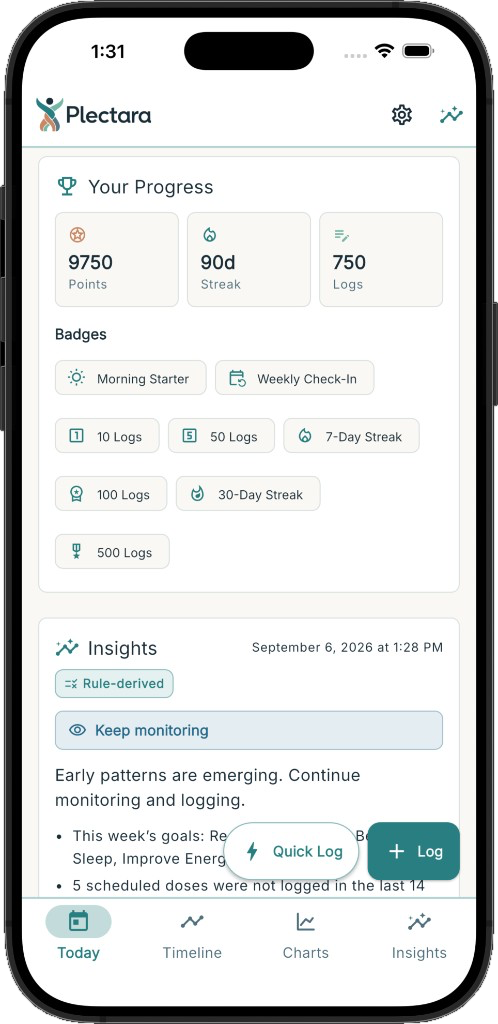
Built around the way you live.
A restless night. An afternoon slump. A day when you feel more like yourself. Looking at these moments alongside your meals, movement, and routines can help you understand what may be connected.
Start with what matters to you. As Plectara learns your routines, familiar things become easier to record—giving you more context to understand your patterns and decide what to try next.
Capture
Bring the details of your day together. Record meals, sleep, movement, symptoms, and more, with room for what matters to you.
Habits
Let familiar routines make logging easier. Plectara learns what you repeat and puts useful shortcuts within reach.
Insights
Explore connections between your habits and how you feel, with clear explanations and practical next steps to consider.
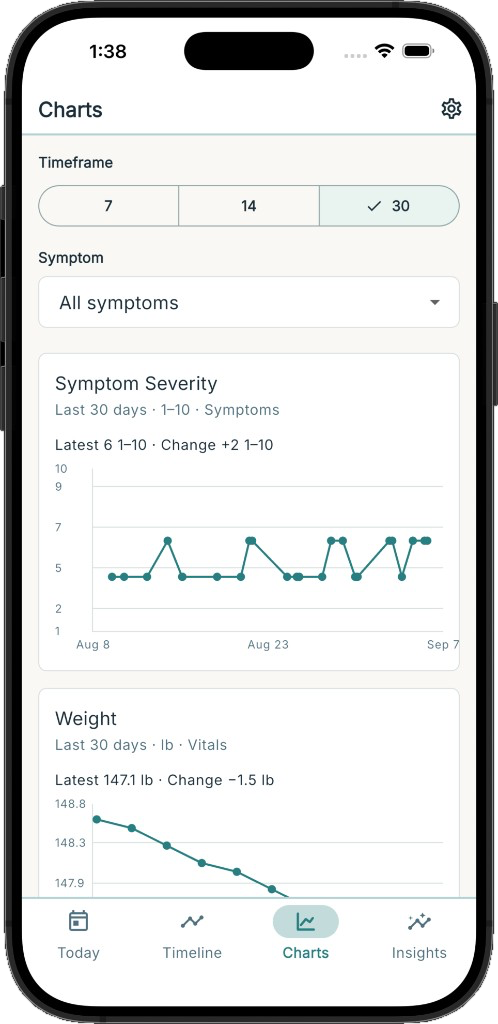
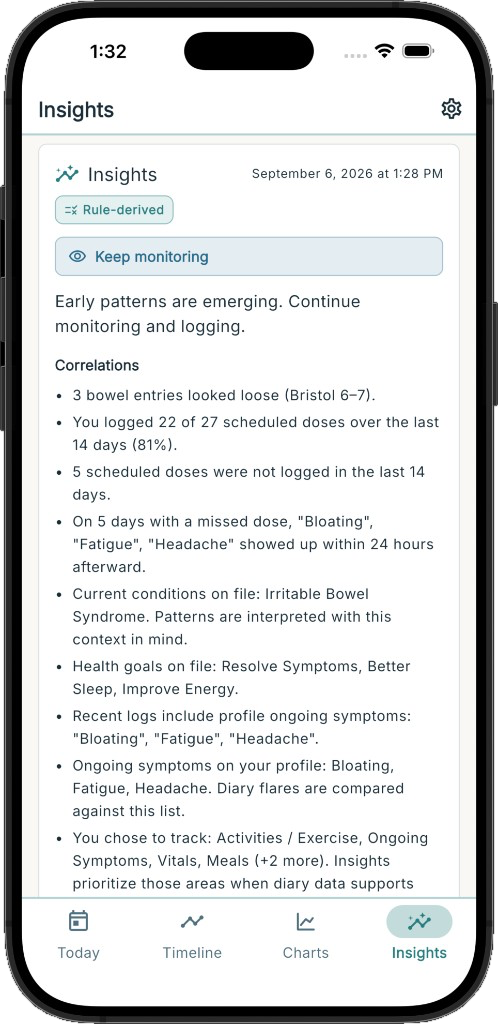
A fuller picture. A clearer next step.
From a quick daily log to a closer look at a recurring pattern, Plectara helps you bring your experiences together and explore what matters to your well-being.
Log from your Home Screen
Keep everyday capture a tap away. Record familiar activities or jump straight into a new entry, then get back to your day.
Shortcuts that learn your routine
The things you do regularly become easier to record. Plectara learns repeated activities and suggests useful shortcuts, with control to pin, rename, hide, or remove them.
See what may be connected
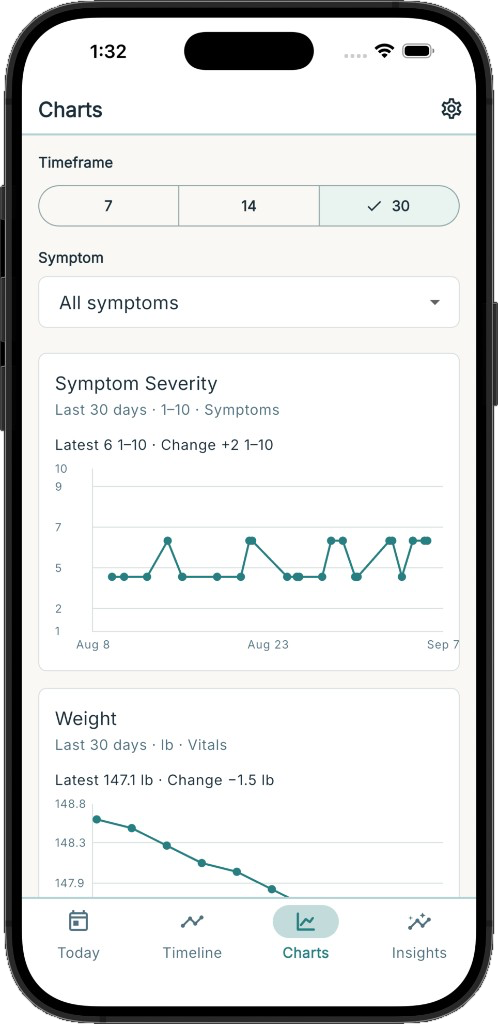
Explore relationships between your habits and how you feel. Plectara brings patterns into focus, with explanations and practical next steps to consider.
Capture what matters to you
Keep meals, sleep, movement, symptoms, vitals, and more in one daily record. Build a picture that reflects your life and the details you want to understand.
Keep medications and supplements organized
Save names, dosages, and usual times in one reusable schedule. Optional reminders help you keep up with your routine.
Look back with perspective
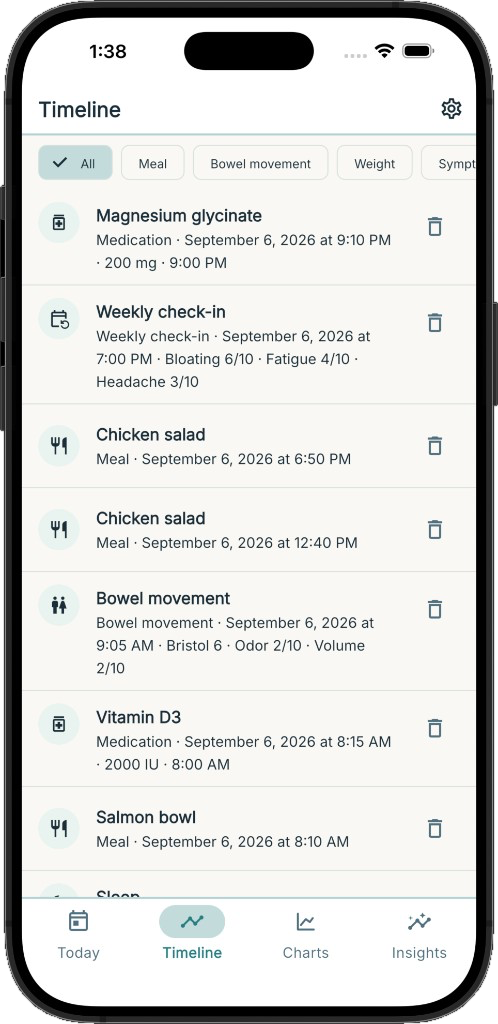
Review your day, explore recent weeks, or revisit an entry on your timeline. Bring useful context to a change in routine or a conversation about your health.
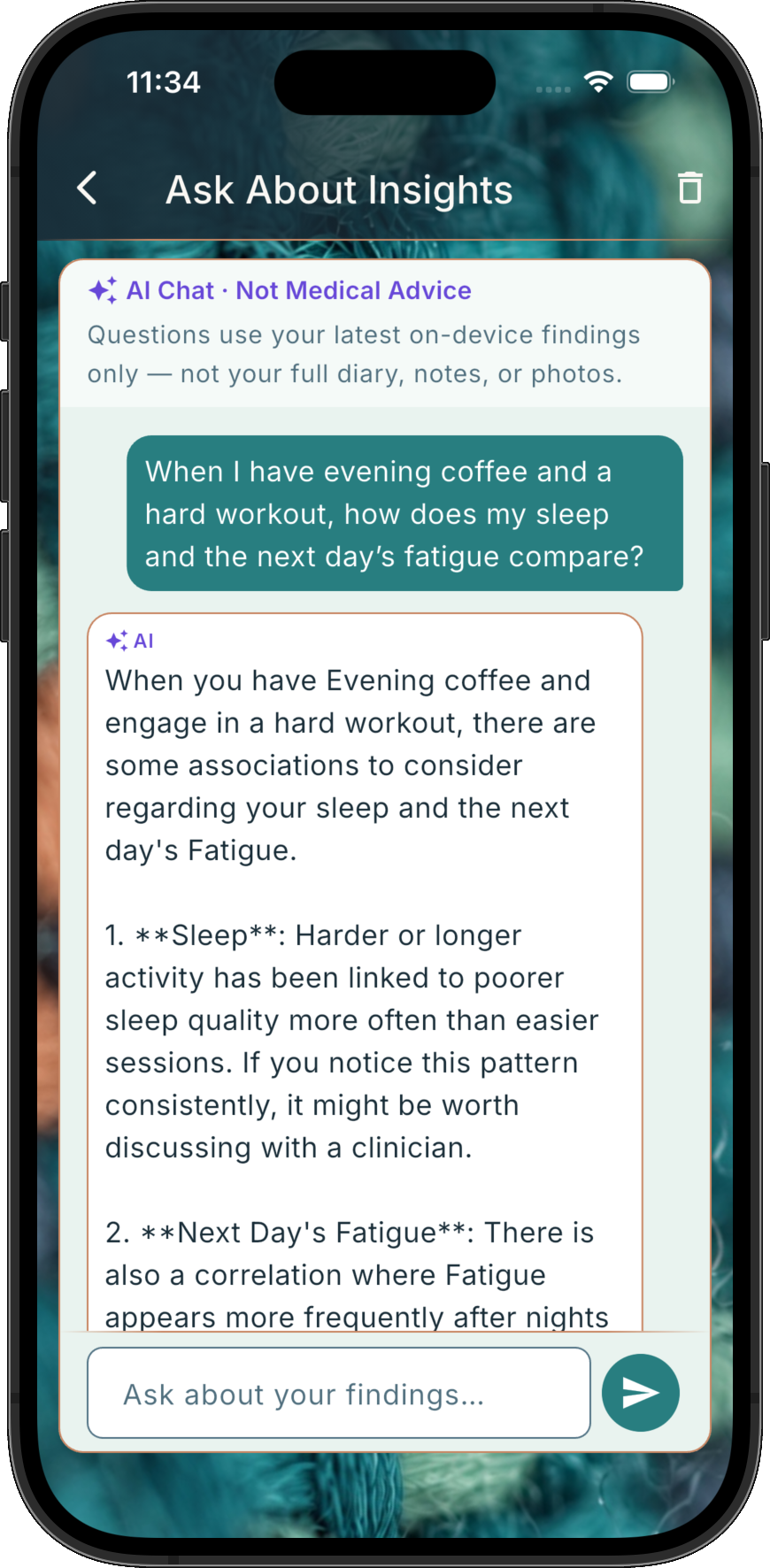
Explore your insights in conversation.
Ask about the patterns you’re noticing. AI Chat helps you explore your latest findings in everyday language and think through what they might mean for your daily life.
Wondering how an evening routine lines up with your sleep, or whether certain days have something in common? Start with a question in your own words, then look at familiar habits from a new angle and choose what you want to pay closer attention to.
Capture the moment. Carry on with your day.
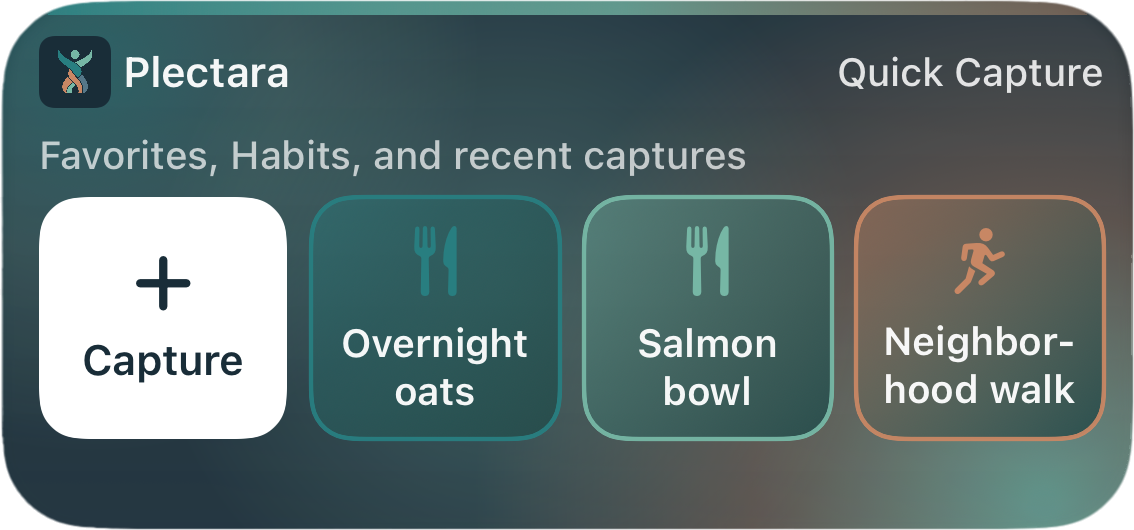
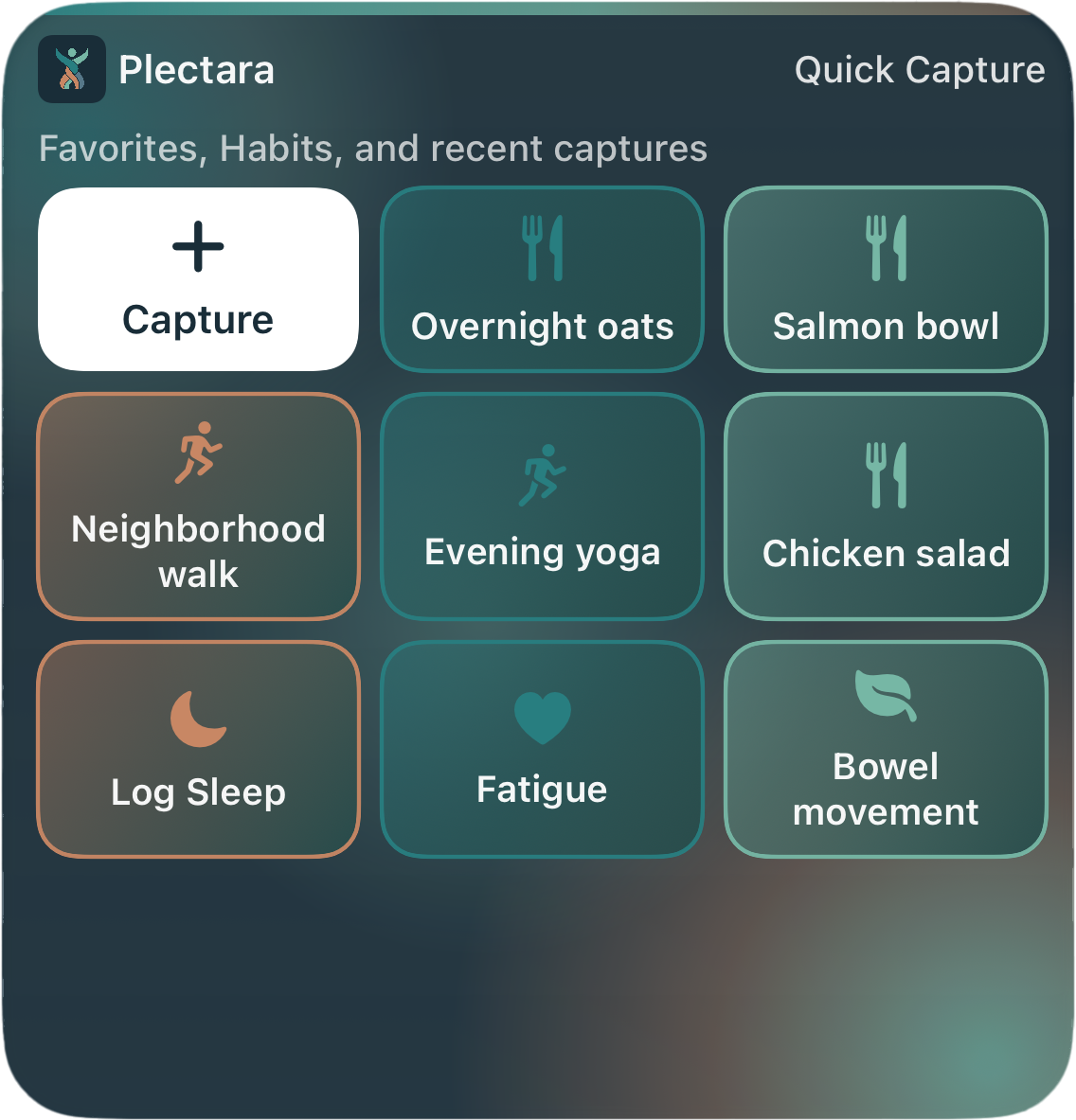
A meal, a walk, a good night’s sleep. Plectara’s widgets make it easy to record everyday moments from your Home Screen, so the little details stay part of the bigger picture.
Familiar moments, fewer steps
Save a repeated activity with a tap, or go straight to the details you need. Spend less time logging and more time living.
Your routines, ready when you are
Keep favorites close and find suggestions based on your familiar habits, right when they’re likely to be useful.
Understanding, on your terms
Your widget keeps everyday logging handy. Open Plectara when you’re ready to explore your patterns and insights.
Find your fit.
Choose from medium and large sizes to suit your Home Screen and your routine. Each keeps everyday capture within easy reach.
Plectara on your wrist
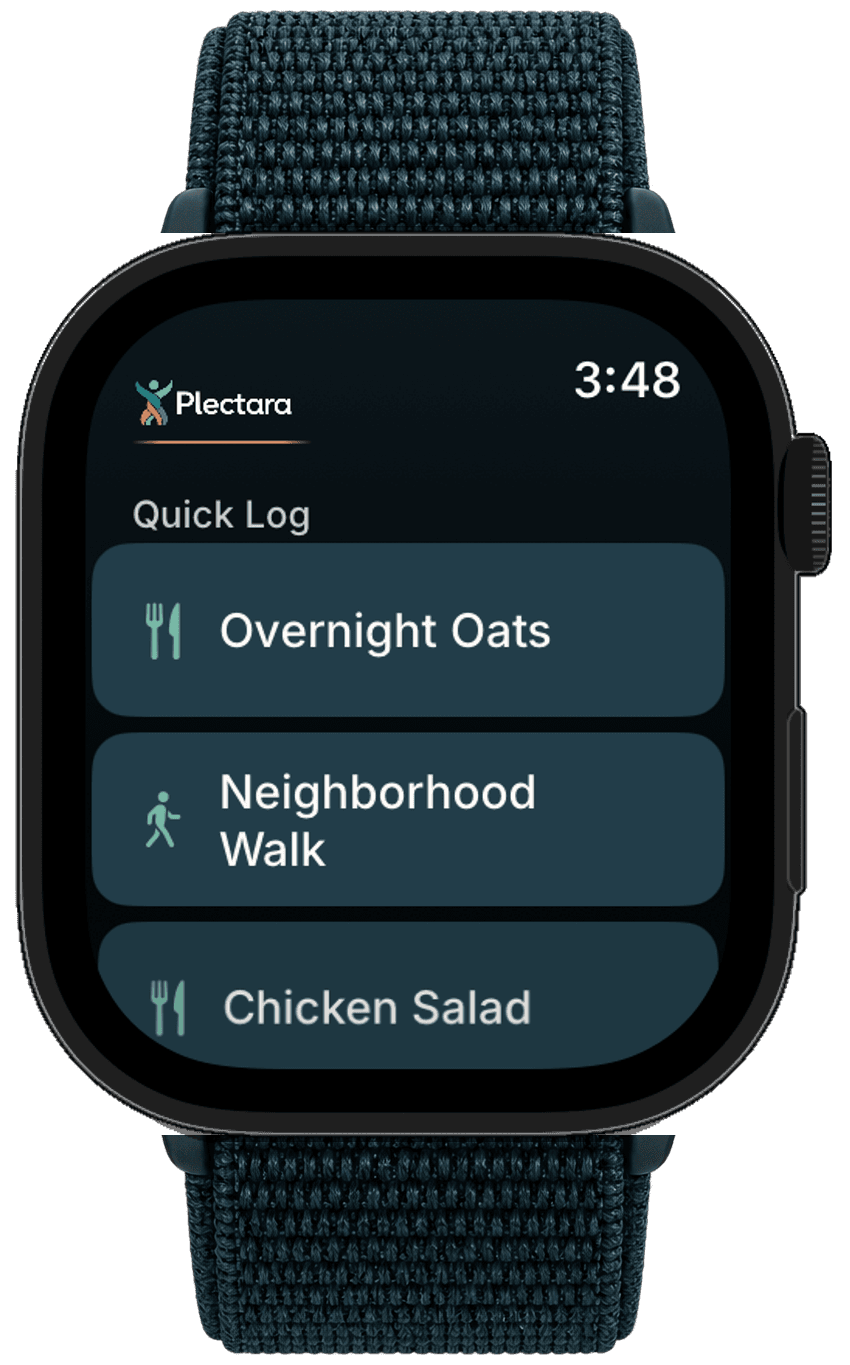
Quick Log, right from your watch.
The moment doesn’t have to wait until you reach for your phone. Use every Plectara Quick Log type directly from your watch, with a few taps that fit naturally into your day.
Capture what matters as it happens, then carry on knowing those details remain part of your bigger picture.
Coming to Apple Watch and Android watches.
Your next step toward a healthier whole.
Get to know your habits, discover your patterns, and find a way forward that fits your life. Plectara is coming soon to the App Store and Google Play.
 Apple App Store listing is not available yet.
 Google Play listing is not available yet.
Apple, the Apple logo, and App Store are trademarks of Apple Inc., registered in the U.S. and other countries. Google Play and the Google Play logo are trademarks of Google LLC.
Let’s connect.
Have a question about Plectara, a press inquiry, or an idea for working together? We’d like to hear from you.
For help with the app, visit product support.
Prefer email? Reach us at info@plectara.com.
Email the Plectara team. Please leave out sensitive health information. See our privacy policy.
Let’s Talk!